Back to all devices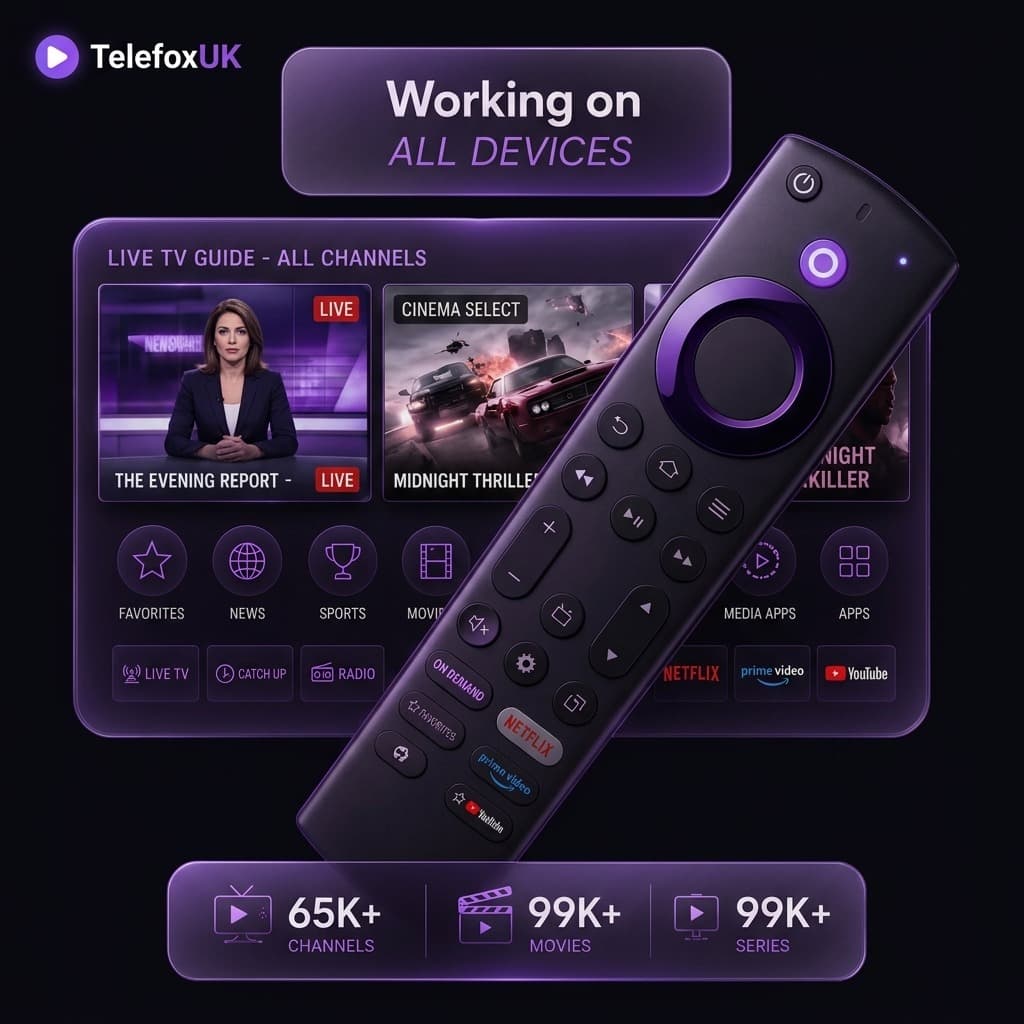
TelefoxUK
Fire TV Stick Setup
Step-by-step guide to installing and setting up Telefox IPTV UK on your Amazon Fire TV Stick. Watch live TV in 4K without buffering.
View Pricing & Get StartedFollow these step-by-step instructions
1
Install the Downloader App
From the Firestick home screen, search for 'Downloader' and install it. Go to Settings > My Fire TV > Developer Options and turn on 'Apps from Unknown Sources' for Downloader.
2
Download the IPTV App
Open Downloader and type the URL for IBO Player, TiviMate, or Smarters Pro. Click Go to download and install the app.
3
Enter Your Details
Open the installed app. Enter the Username, Password, and Portal URL that Telefox IPTV sent to your email.
Start Watching
Click Connect or Login. The app will load all 65,000+ live channels and VODs. Enjoy!
!
Need Help?
If you run into any issues while setting up your Fire TV Stick, our 24/7 support team is ready to help via WhatsApp.